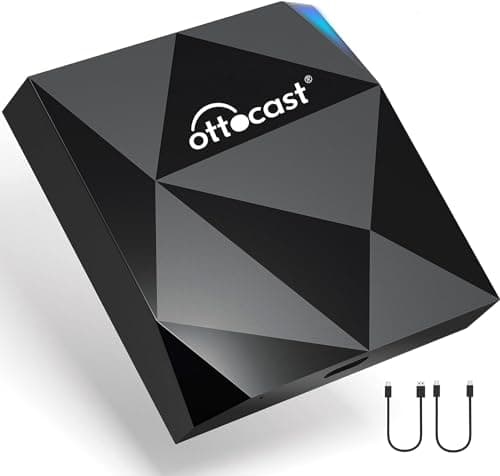
Best CarPlay adapter
The best wireless CarPlay adapters
CarPlay adapters ranked on published hardware, including one with a 75 C operating ceiling.
Top pick: Ottocast U2-AIR Pro
The section about the thirty seconds at the start of every drive. It begins with wireless CarPlay adapters, because that is the upgrade that removes a daily annoyance rather than adding a feature.
Nothing here has been tested by us. How we pick · Who writes this · How we earn
In this section
The guides are free to read and always will be. The ranked pages carry affiliate links, and the top pick's buy button is on every card so you never have to dig for it.
Best CarPlay adapter
CarPlay adapters ranked on published hardware, including one with a 75 C operating ceiling.
Top pick: Ottocast U2-AIR Pro
Guide
How a CarPlay dongle works, what it cannot do, and how to check your car before buying.
Best for an older car
The connectivity fix for a car with nothing but a radio, and what the analog hop costs you.
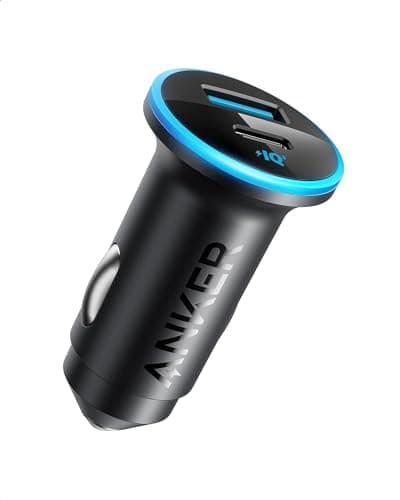
Top pick: Anker 323 Car Charger (52.5W)
Best for Android Auto
Android Auto adapters ranked on published hardware, latency and phone-switching.
Top pick: Ottocast U2-AIR Pro
Head to head
Four honest trade-offs between wireless and wired projection, and who should keep the cable.
Best aux Bluetooth adapter
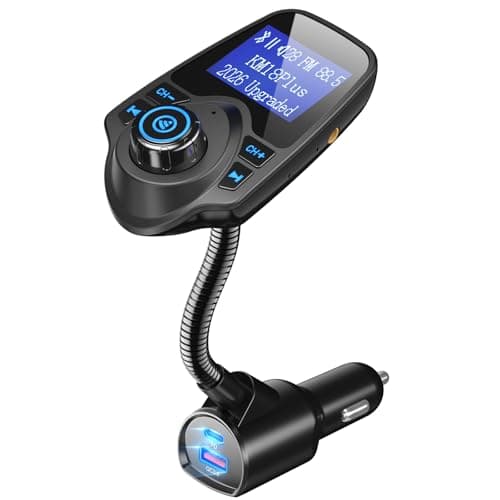
Aux Bluetooth receivers compared on published temperature range and ground loop handling.
Top pick: Nulaxy KM18 Bluetooth FM Transmitter
Guide
The three routes that actually add CarPlay to an older car, and the popular purchase that does not.
Best visor speakerphone
Visor speakerphones judged on microphone position and published noise reduction.
Top pick: Nulaxy KM18 Bluetooth FM Transmitter
Head to head
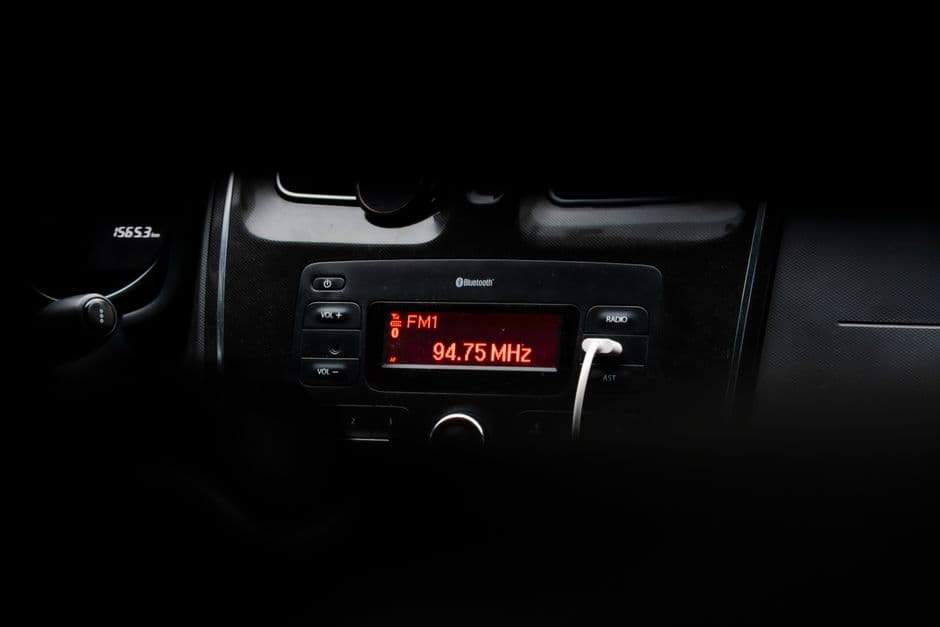
The three ways to get audio into an older car, decided by signal path and what your car has.
Guide
Six causes of Bluetooth dropouts in a car, ordered by how often each is the actual problem.
Guide
Wired and wireless CarPlay failures diagnosed separately, in order of how often each is the cause.
Best platform comparison
Published requirements for both platforms, the wireless data-plan difference, and what to buy if your car has neither.
Best portable screen
Portable CarPlay and Android Auto displays compared on published resolution, with the outer-versus-inner screen size trap.
Top pick: CarlinKit 5.0 (CPC200-2air)
Best head unit
Head units compared on continuous power and preouts, with the hidden install costs and the screens that are not CarPlay units.
Top pick: CarlinKit 5.0 (CPC200-2air)
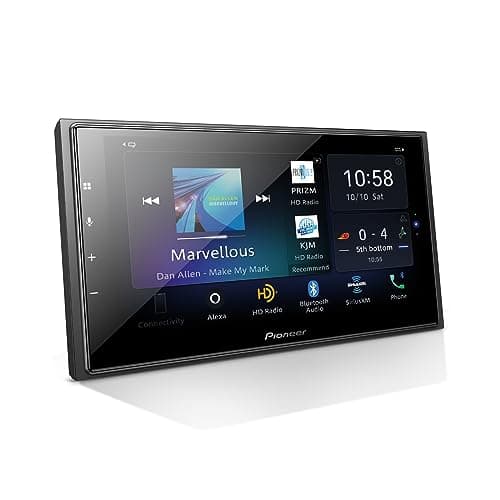
Best speaker upgrade
Coaxial speakers compared on published sensitivity and RMS, with the mounting depth issue that decides fitment.
Top pick: Pioneer DMH-W4660NEX
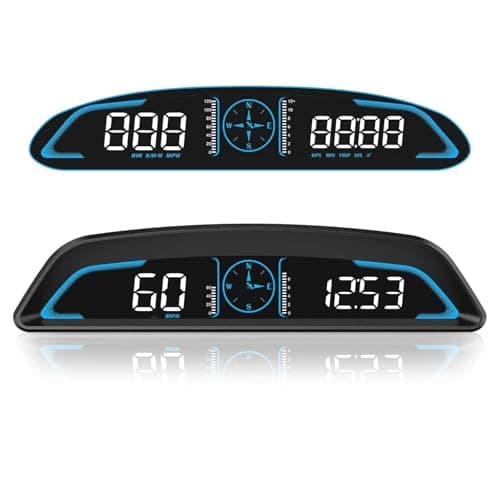
Best head-up display
HUDs sorted by data source — OBD2, GPS or CarPlay — with the model-year rule that decides which you can buy.
Top pick: SinoTrack 5.5 in GPS Head-Up Display
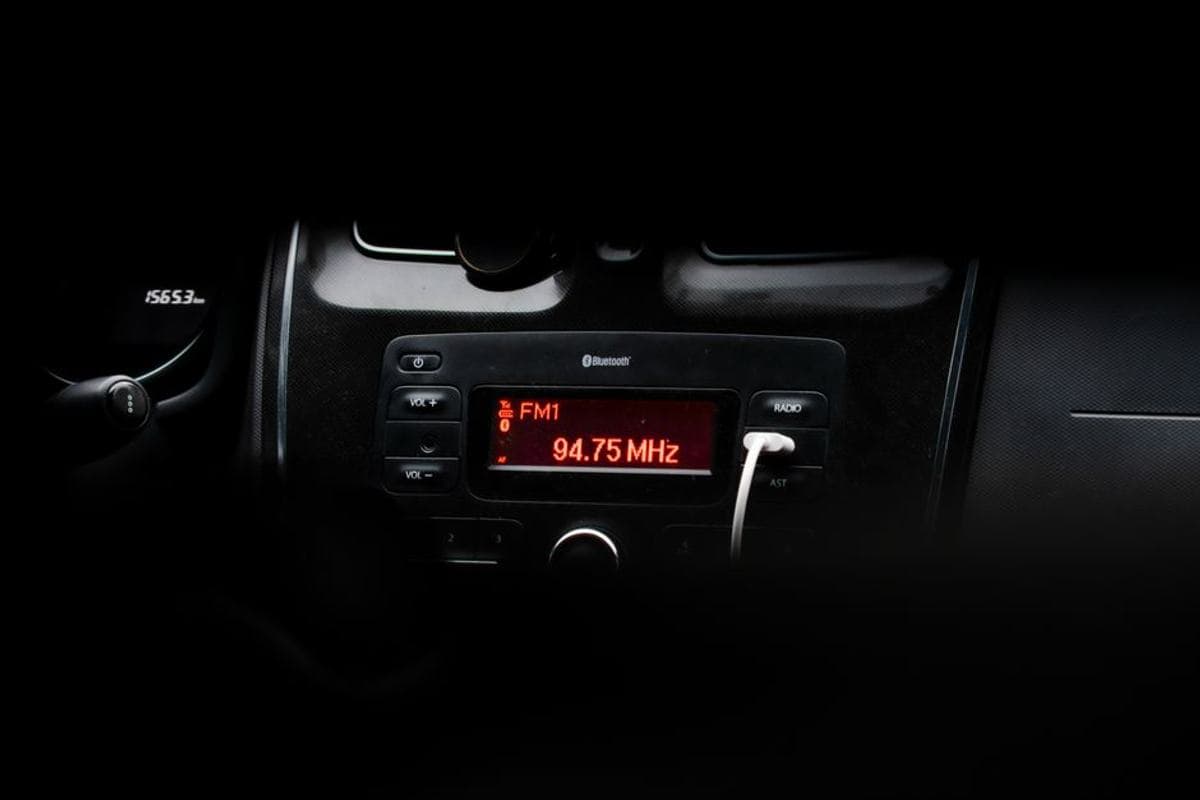
Head to head
What DIN actually measures, which your dash takes, and the harness and dash-kit costs the listings leave out.
Single review
The dual-platform wireless adapter, its published warranty, and the brand CarlinKit says it will not work in.
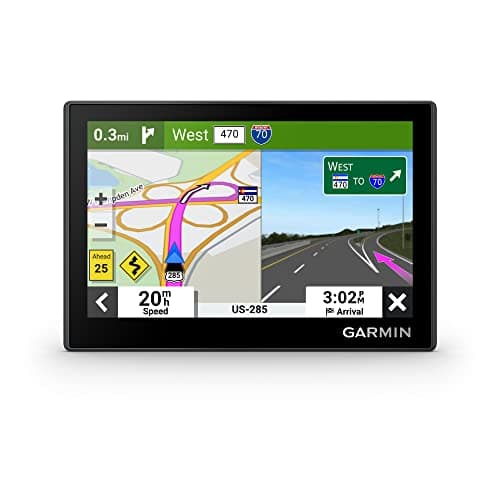
Best GPS navigator
Four dedicated navigators compared on maps, traffic and warranty, plus the renewed listing that looks like a bargain.
Top pick: Garmin Drive 53 with Traffic
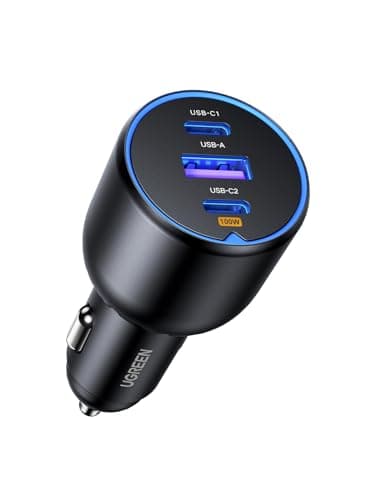
Best USB-C car charger
Four chargers ranked on published per-port output tables rather than headline wattage.
Top pick: UGREEN 130W 3-Port Car Charger
Best Qi2 charging mount
Qi2 and MagSafe mounts ranked on published output, cooling and the power source they require.
Top pick: Scosche MagicMount Pro2
Prices last verified October 19, 2026. They move constantly; the figure on Amazon when you click is the real one.
Everything about how your phone talks to your car. It starts with the wireless CarPlay adapter because that is the highest-frequency annoyance in the whole car: thirty seconds of plugging a cable in, twice a day, every day, for as long as you own it. Removing that is worth more than most upgrades that cost five times as much.
This section is shallow at launch and is designed to grow: Bluetooth and FM adapters for older cars, head units, and the Android Auto side of the same question are all coming under this same section without any URL moving.
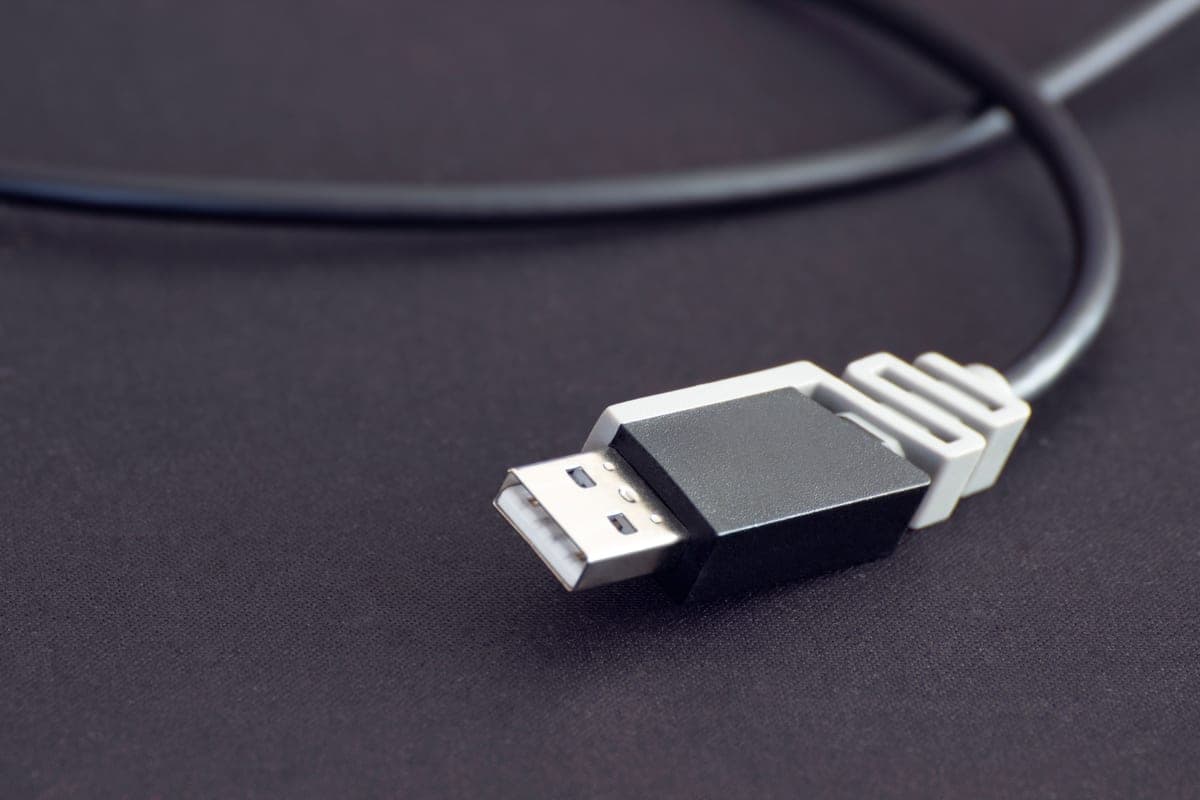
It plugs into the USB port your wired CarPlay already uses. To the car it pretends to be your phone, plugged in by cable. To your phone it is a Wi-Fi access point. The car never knows the difference, which is why compatibility is a question about your car's factory system rather than about the dongle.
There are two real costs. A handshake delay at startup — shorter than plugging a cable in, but not instant, and it is the thing people complain about. And a firmware update process that is a manual job through a web interface, which is occasionally necessary and never enjoyable. The explainer covers both honestly.
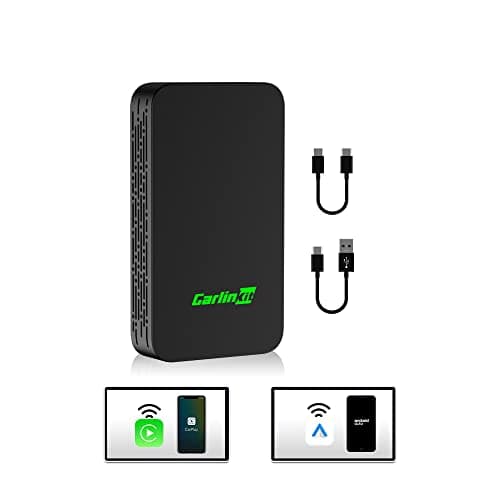
CarlinKit publishes 0.75 W consumption for the 5.0, drawing 5V at 1A. That is small enough that it is not a parasitic-drain concern even in a car whose USB port stays live with the ignition off — which is a genuinely useful thing to be able to say, because it is the first question anybody asks about a device that lives permanently plugged into the car.
It also means the port it occupies is no longer available for charging, which on a car with one USB port is a real cost. That is the point at which a 12V-socket charger stops being optional.
We have not paired these with a car. What we publish is the maker's own compatibility statement, Wi-Fi bands, power consumption and physical dimensions, with sources. The older CarlinKit is in the ledger specifically because it names its processor, which almost nothing in this category does — and its own successor does not. The method is here.
No. It converts an existing wired CarPlay or Android Auto connection to a wireless one. A car with no CarPlay needs a new head unit, which is a different job entirely.
Longer than nothing and shorter than plugging in a cable. There is a handshake at every start, and it is the single most common complaint about the category. If a few seconds of waiting would annoy you more than the cable does, keep the cable.
CarlinKit publishes 0.75 W for the 5.0, which is negligible against the parasitic draw of the car's own electronics. If your USB port powers down with the ignition, the question does not arise at all.